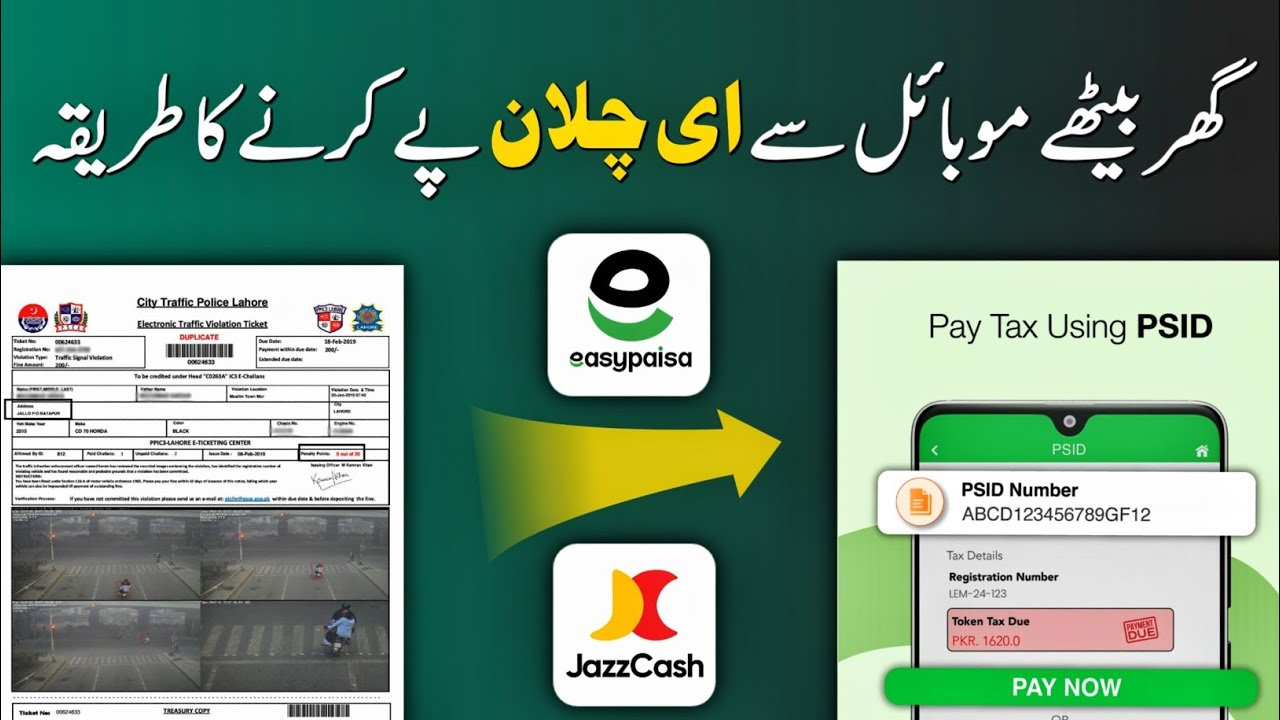
How to Pay E-Challan Online JazzCash, Easypaisa, Bank Apps
Paying traffic fines has never been easier. Today, every Pakistani vehicle owner can instantly clear an e-challan using JazzCash, Easypaisa, or any mobile banking app—without visiting a traffic office or standing in long lines. This guide explains everything step-by-step, based on the official portals and top Google sources, so you can complete your payment in just a few minutes.
| Method | Availability |
|---|---|
| JazzCash | Punjab, Sindh, Islamabad, KPK |
| Easypaisa | All provinces (Digital Challan systems) |
| Bank Apps | HBL, UBL, MCB, ABL, Meezan & others |
| PSID Generation | Official websites of police departments |
| Fine Types | Overspeeding, Parking, Helmet & Camera violations |
| Receipt | Instant SMS + App history |
| Required Info | PSID, Vehicle No., CNIC |
| Official Link | Available on the respective provincial traffic police portals |
How to Pay E-Challan Online – JazzCash, Easypaisa, Bank Apps
This is the main keyword section, explaining how online challan systems work across Pakistan. E-challans are generated through ANPR cameras, Safe City systems, and traffic police devices, and the payment is completed through a unique PSID (Payment Slip ID).
How to Pay Punjab, Sindh & Islamabad E-Challan via JazzCash
JazzCash offers one of the quickest digital challan payment systems.
1. heading
A simple step-by-step guide to pay traffic fines through JazzCash.
Step-by-step process:
- Open the JazzCash app on your phone.
- Go to Traffic Challan / e-Challan in the Payments section.
- Select region: Punjab, Sindh, Islamabad, or KPK.
- Enter the PSID from your challan slip or the official portal.
- Verify amount and vehicle number.
- Tap Pay Now.
- Receive instant confirmation via SMS and app history.
JazzCash Supports:
- Punjab Police E-Challan
- Lahore Safe City
- Sindh TRACS
- Islamabad Traffic Police
How to Pay E-Challan Through Easypaisa (All Provinces)
Easypaisa supports challan payments from almost every Pakistani province.
1. heading
A fast and secure method for users who prefer Easypaisa.
Follow these steps:
- Open Easypaisa → Payments.
- Tap Traffic Challan.
- Select province or police system.
- Enter your challan PSID.
- Confirm the challan details.
- Tap Proceed to Pay.
How to Pay Traffic Challan Through Bank Mobile Apps
Every major bank app now supports government challan payments.
1. heading
A universal method suitable for all bank account holders.
Steps to pay:
- Open your mobile banking app (HBL, MCB, UBL, ABL, Meezan, etc.).
- Go to Bill Payments → Government Payments.
- Select Traffic Challan / e-Challan.
- Enter your PSID.
- Verify vehicle and fine details.
- Tap Confirm Payment.
How to Generate PSID for E-Challan (If Missing)
Sometimes challan slips do not display the PSID. You can generate it online.
1. heading
Official portals provide tools for PSID retrieval and challan lookup.
- Punjab: Official Safe City Portal
- Sindh: TRACS System
- Islamabad: ITP E-Challan Portal
- KPK: Traffic Police Digital System
(Information is compiled from official sources and top Google websites.)
Types of Traffic Challans You Can Pay Online
Online systems support almost every violation recorded by cameras or wardens.
1. heading
These are the most common fine types in Pakistan.
- Overspeeding
- Wrong parking
- Helmet violation
- Red-signal crossing
- Lane violation
- Driving without license
- Vehicle documents missing
- No-parking zone violations
Benefits of Paying E-Challan Online
Digital payment offers speed, convenience, and transparency.
1. heading
Why online payment is better than visiting traffic offices.
- No queues or police office visits
- Saves fuel & time
- Instant SMS + digital receipt
- Helps with vehicle token renewal
- Prevents towing & wheel-clamping
- Avoids late penalties
Helpline & Contact Numbers (From Google Search Results)
Below are commonly listed helplines on public portals and Google:
- Punjab Safe City E-Challan Helpline: 15 / 042-99051606
- Islamabad Traffic Police Helpline: 1915
- Sindh Traffic Police Helpline: 1915 / 021-99222607
- KPK Traffic Police Helpline: 1915
For official updates, visit the relevant police website.
Conclusion
Paying an e-challan online through JazzCash, Easypaisa, or bank apps is now the fastest and safest way to clear traffic fines anywhere in Pakistan. With instant receipts, updated records, and hassle-free verification, digital challans ensure transparency and convenience. Always check your vehicle’s status regularly and follow traffic rules to avoid new fines.
FAQs – How to Pay E-Challan Online
1. Can I pay a Punjab e-challan using JazzCash?
Yes, JazzCash fully supports Punjab Safe City and Punjab Police challans.
2. What is a PSID in e-challan systems?
A PSID is a unique Payment Slip ID required to process online transactions.
3. Can I pay someone else’s traffic challan?
Yes, as long as you have the correct PSID and challan details.
4. How long does payment verification take?
It usually updates within 10 seconds to 5 minutes, depending on the system.